
The 8 winners.

The landing pages actually worth stealing from.

Winner #1: paloaltonetworks.com

paloaltonetworks.com/prisma-browser-for-business

Cybersecurity Software landing page example from paloaltonetworks.com

The search: data defender

Sponsored paloaltonetworks.com

Try it Free

  1. 1

    What gets in the way

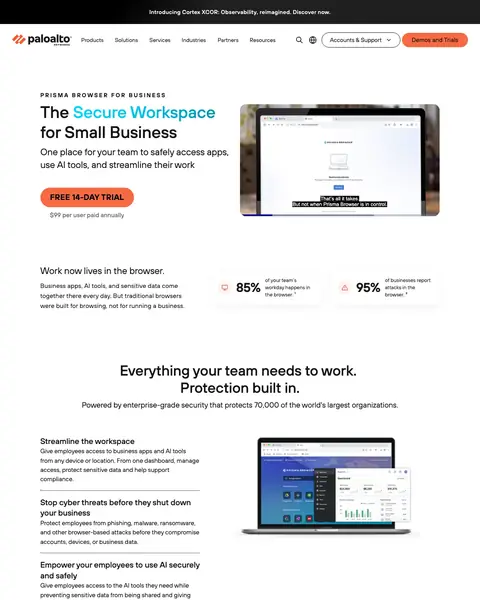
    Full company menu above the headline

    The menu has links for products, solutions, services and industries. A small business owner who came for a trial has other places to click.

  2. 2

    What works

    Free trial button in the first screen

    ‘FREE 14-DAY TRIAL’ is in the first screen with the price under it. A small business owner can start without a sales call.

  3. 3

    What works

    Prices shown on the page

    ‘$99’ and ‘$10’ are shown per user. A buyer sees the cost before they talk to anyone.

  4. 4

    What works

    Table against Chrome and antivirus

    A table sets the product beside Chrome and antivirus on phishing, malware and privacy. A buyer sees what they get over what they use now.

  5. 5

    What works

    Analyst quote in the middle of the page

    A named analyst says the product fills a gap for small businesses. It is a view from outside the company.

What to try

Free trial next to the price

The page shows ‘FREE 14-DAY TRIAL’ with the price under it. Put your trial offer and its cost next to your first button.

See the original page
Winner #2: try.drata.com

try.drata.com/demo

Cybersecurity Software landing page example from try.drata.com

The search: drata compliance

Sponsored try.drata.com

Drata - Achieve GRC Goals Faster - End-to-End Risk Management

  1. 1

    What gets in the way

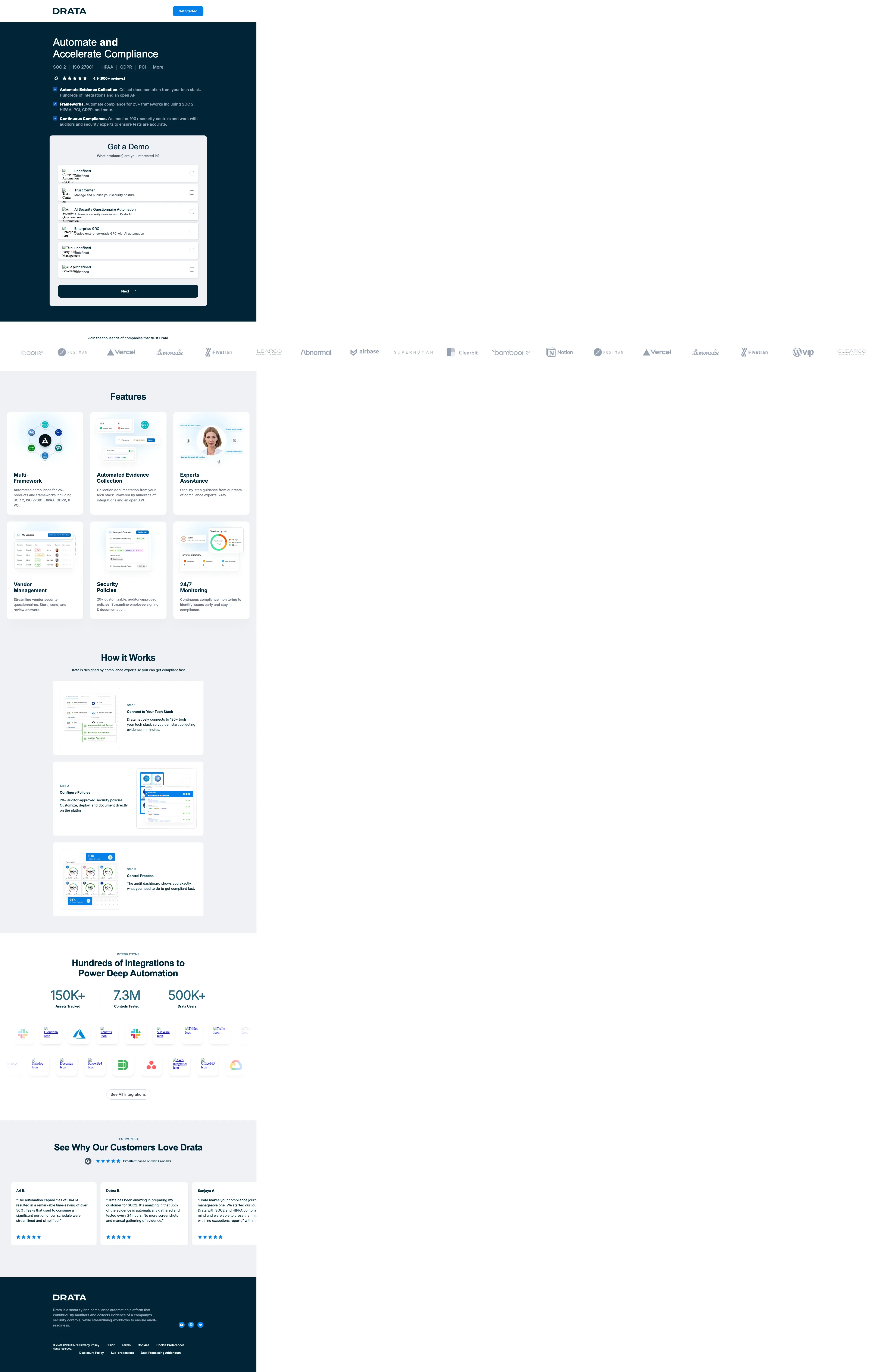
    Headline drops the risk words from the ad

    The ad reads end-to-end risk management. The headline reads ‘Accelerate Compliance’, and the first screen has no word about risk.

  2. 2

    What works

    Frameworks listed under the headline

    SOC 2, ISO 27001, HIPAA, GDPR and PCI are listed. A buyer checks that their own rule is covered before they read more.

  3. 3

    What works

    Review rating under the headline

    A rating of 4.9 from 900+ reviews is under the headline. A buyer sees what other users think before the form.

  4. 4

    What works

    Row of customer logos

    Logos for Postman, Notion, Lemonade and others run across the page. A buyer sees companies like their own.

  5. 5

    What works

    Usage numbers in a row

    Numbers like 150K+, 7.3M and 500K+ show how much the product is used. Real usage is easier to believe than a claim.

What to try

Frameworks and rating under the headline

The page lists SOC 2, ISO 27001 and HIPAA with a 4.9 rating from 900+ reviews. Put your main proof under your headline.

See the original page

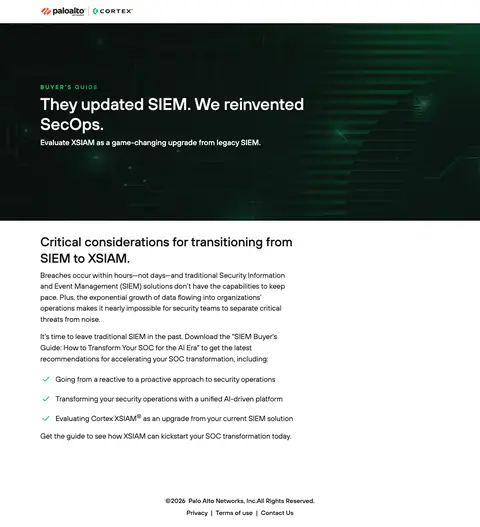
Winner #3: start.paloaltonetworks.com

start.paloaltonetworks.com/siem-buyers-guide-how-to-transform-your-soc-for-the-AI-era

Cybersecurity Software landing page example from start.paloaltonetworks.com

The search: yara security

Sponsored start.paloaltonetworks.com

Best Practices for SecOps | Palo Alto Networks

  1. 1

    What works

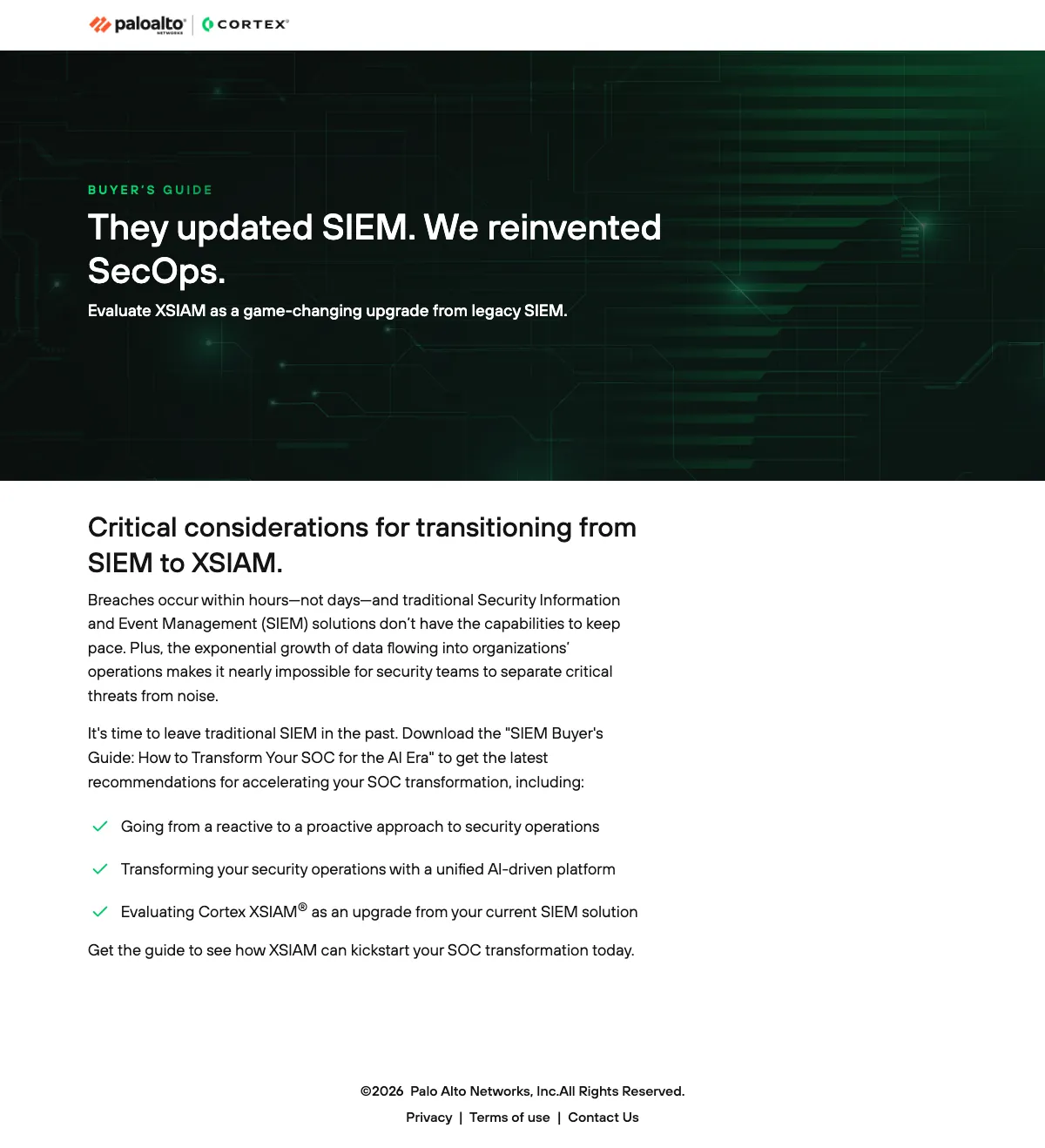
    Only the logo at the top

    The top bar has the logo and nothing else. A visitor has one thing to do on the page.

  2. 2

    What works

    Headline sets old way against new

    ‘They updated SIEM. We reinvented SecOps.’ is six words. A SIEM buyer who is unhappy with their tool reads their own problem.

  3. 3

    What gets in the way

    Long text before the guide list

    Four lines about the limits of SIEM come before the list of what is in the guide. A visitor who wants the guide reads an article first.

  4. 4

    What works

    Three bullets on what the guide covers

    The list shows what the buyer learns: going from reactive to proactive, a unified platform and an upgrade from SIEM. It shows what they get for the form.

What to try

List what is inside the guide

Three bullets show what the guide covers. Write three bullets for your own offer and put them before the button.

See the original page
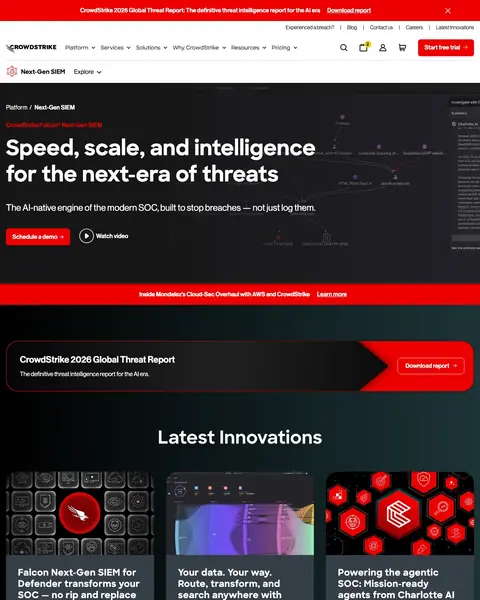
Winner #4: go.crowdstrike.com

go.crowdstrike.com/2026-global-threat-report.html

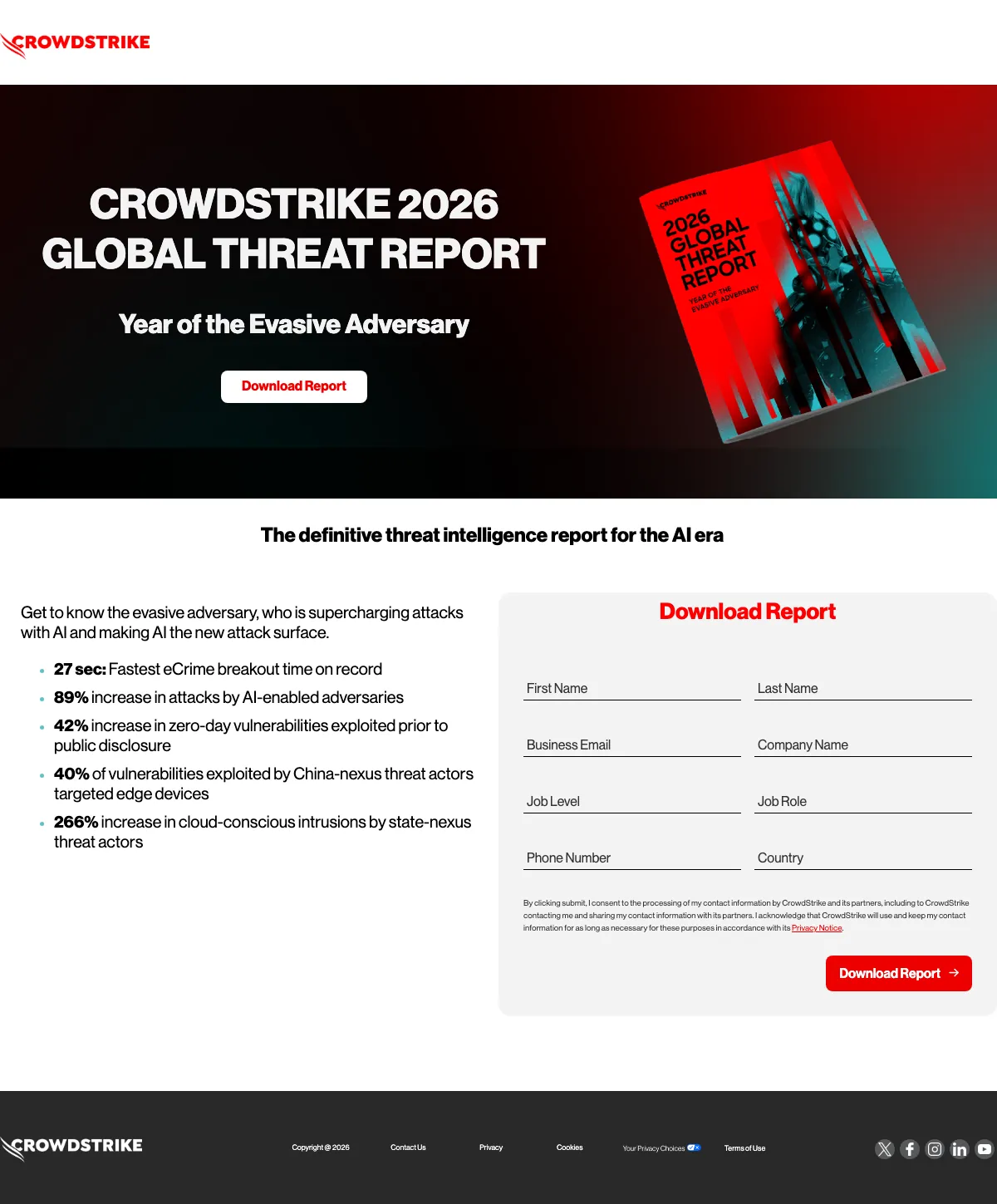
Cybersecurity Software landing page example from go.crowdstrike.com
  1. 1

    What works

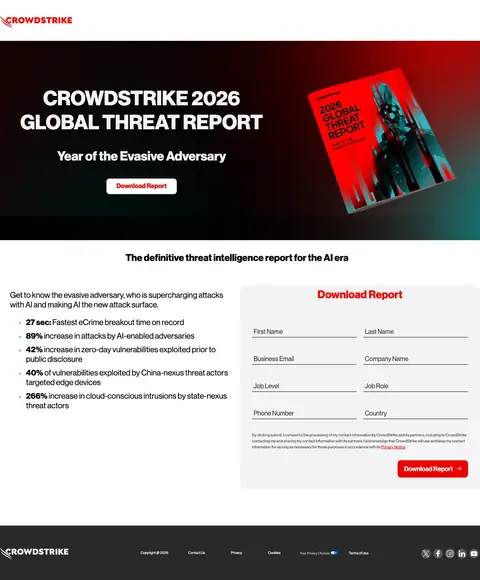
    Report cover next to the headline

    A picture of the report cover shows what the visitor gets. A designed report feels worth more than a plain PDF.

  2. 2

    What works

    Download button under the headline

    A ‘Download Report’ button is in the first screen. A visitor who has decided doesn't have to scroll to find it.

  3. 3

    What works

    Findings from the report as bullets

    ‘27 sec: Fastest eCrime breakout time on record’ is the first of five bullets. Each is a reason to download.

  4. 4

    What gets in the way

    Eight fields in the form

    The form has fields for first name, last name, email, company, job level, job role, phone and country. A visitor who just wants the report finds that long.

What to try

Lead with a figure people repeat

The first bullet is ‘27 sec: Fastest eCrime breakout time on record’. Put the one number a buyer will quote first in your bullets.

See the original page

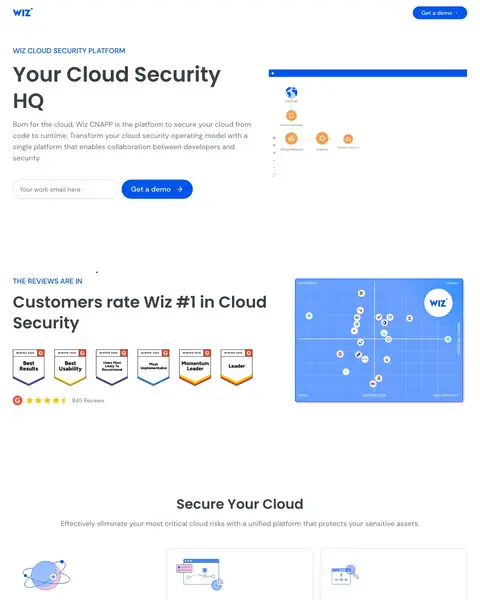
Winner #5: wiz.io

wiz.io/lp/nb-cloudsec-s-c

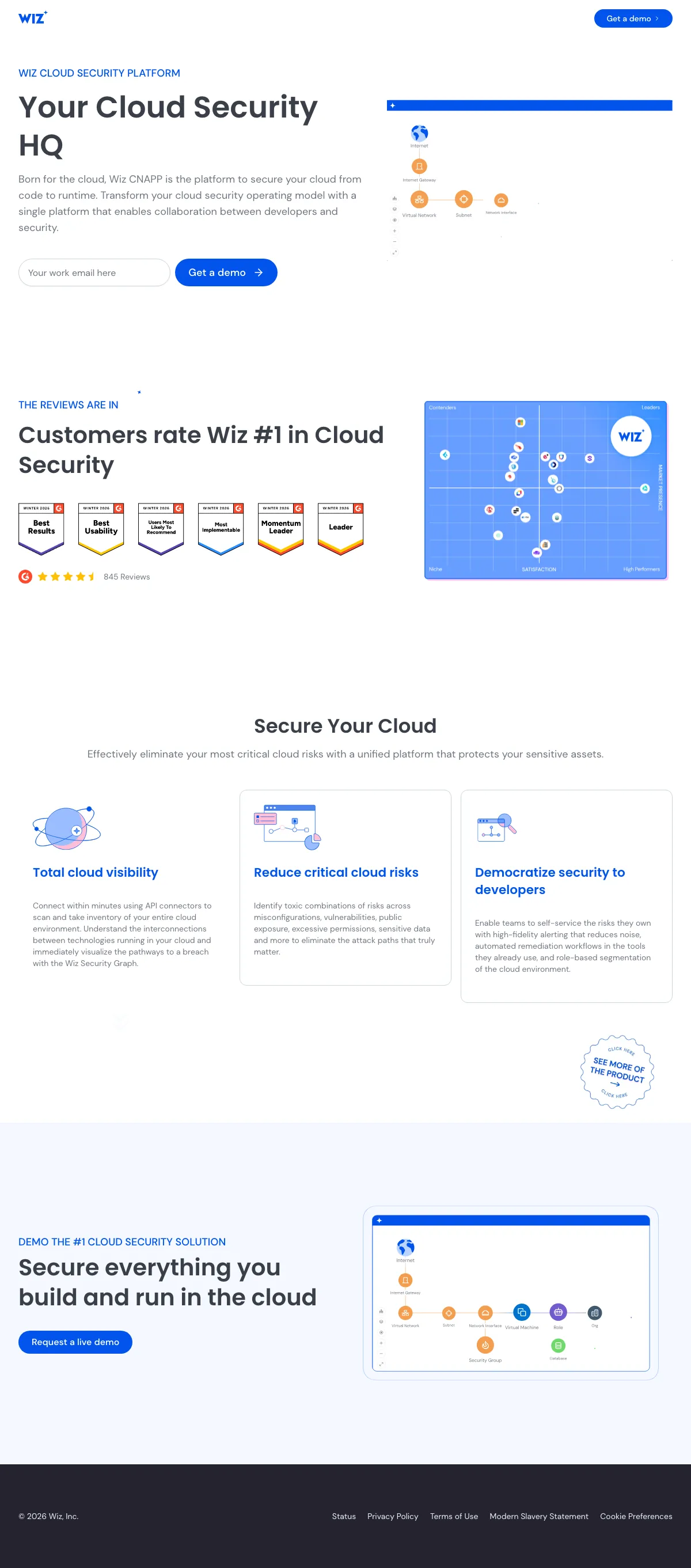
Cybersecurity Software landing page example from wiz.io
  1. 1

    What works

    Plain headline over the product line

    The headline is plain: cloud security. The text under it adds what the platform covers, from code to runtime.

  2. 2

    What works

    Email box and button in the first screen

    A work email box and a ‘Get a demo’ button are in the first screen. A visitor starts with one field.

  3. 3

    What works

    Review badges after the first screen

    Badges and ‘845 Reviews’ come right after the first screen. A buyer sees what other users think before the product text.

  4. 4

    What gets in the way

    Benefits that fit any vendor

    ‘Total cloud visibility’ and ‘Reduce critical cloud risks’ could appear on any competitor page. Nothing here shows what Wiz does that others do not.

  5. 5

    What works

    Closing button repeats the offer

    The page ends with ‘Request a live demo’ under a headline. A visitor who scrolled this far finds a button right there.

What to try

One field and one button

Wiz shows a work email box and ‘Get a demo’ in the first screen. Use one field and one button in yours.

See the original page

Winner #6: sentinelone.com

sentinelone.com/lp/endpointprotection

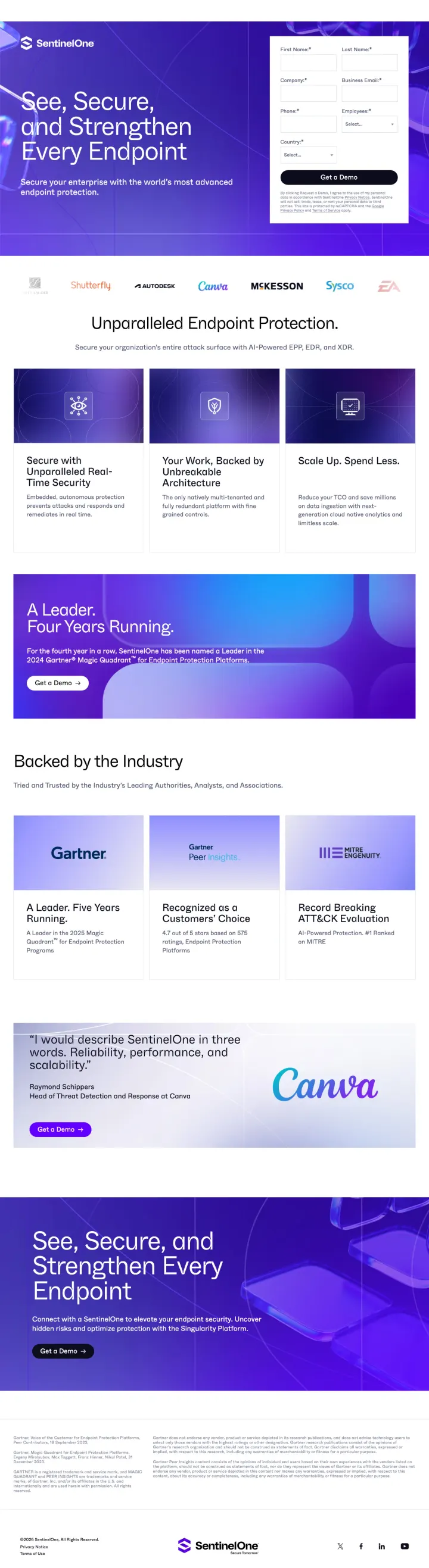
Cybersecurity Software landing page example from sentinelone.com
  1. 1

    What works

    Demo form beside the headline

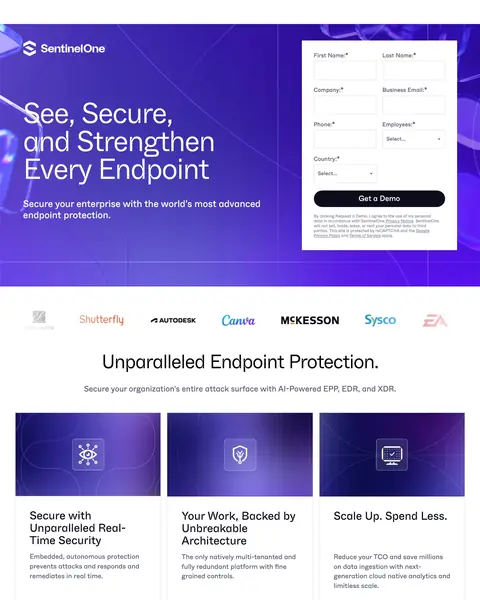
    The form fields and the ‘Get a Demo’ button are beside the headline. A visitor who has decided can fill it in without scrolling.

  2. 2

    What works

    Customer logos under the first screen

    Shutterfly, Autodesk, Canva, McKesson, Sysco and EA are named. A buyer sees large companies using it.

  3. 3

    What gets in the way

    Big claim without a figure

    ‘Unparalleled Endpoint Protection.’ is a claim with no number next to it. A buyer needs a figure or a name to believe it.

  4. 4

    What works

    Gartner Leader claim with the year

    ‘Four Years Running’ comes with the 2024 Gartner Magic Quadrant name. A buyer can check the claim.

  5. 5

    What works

    Named customer quote

    A named person at Canva describes the product in three words: reliability, performance and scalability. A name is easier to trust than a logo.

What to try

Name the person behind each quote

The Canva quote has a person's name and job title. Add the name and job title to every customer quote on your page.

See the original page

Winner #7: vanta.com

vanta.com/landing/soc-2-compliance-software

Cybersecurity Software landing page example from vanta.com

The search: syskit

Sponsored vanta.com

SOC 2 Compliance Automation - Streamline Compliance & Grow

  1. 1

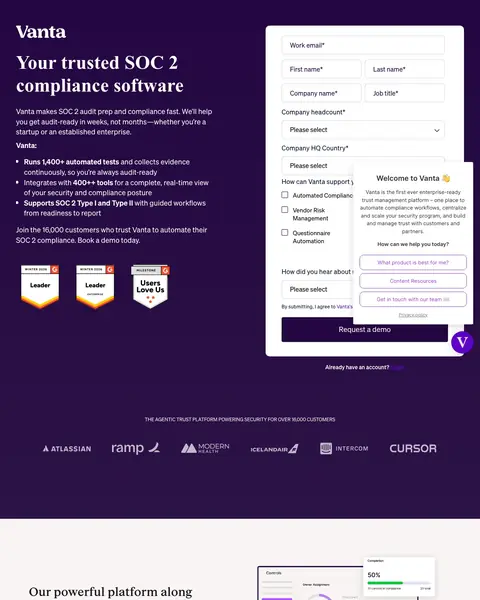
    What gets in the way

    Long demo form

    The form has fields for work email, first name, last name, company, job title, headcount, country and what the buyer needs. That is a lot before a demo.

  2. 2

    What works

    Headline matches the ad

    The ad reads SOC 2 compliance automation. The headline begins ‘Your trusted SOC 2’, so the visitor knows they are in the right place.

  3. 3

    What works

    Bullets with figures

    ‘Runs 1400+ automated tests’ is the first of three bullets with numbers. A buyer sees how much work the product does.

  4. 4

    What works

    Sections for each company stage

    ‘We scale with you for every stage of growth’ is followed by early, hyper growth and late stage sections. A startup sees a plan for its size.

  5. 5

    What works

    Support figures

    ‘98%’ satisfaction, ‘1.8hr’ ticket response and ‘38s’ chat response are shown. A buyer sees how fast help arrives.

What to try

Use the ad's main words in the headline

The ad reads SOC 2 and the headline starts ‘Your trusted SOC 2’. Put your ad's main words in your headline.

See the original page

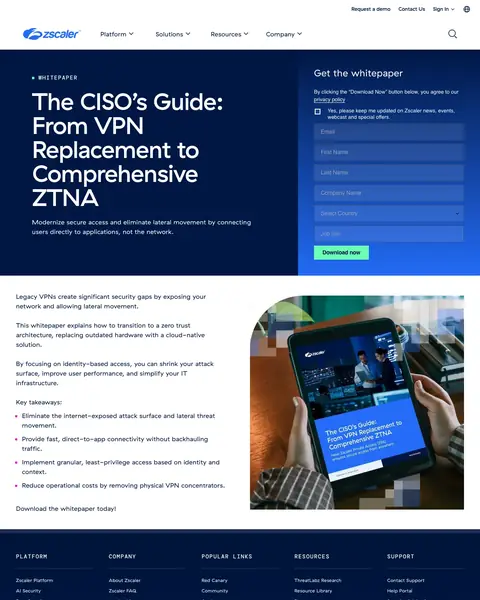
Winner #8: zscaler.com

zscaler.com/campaign/cisos-guide-vpn-to-ztna

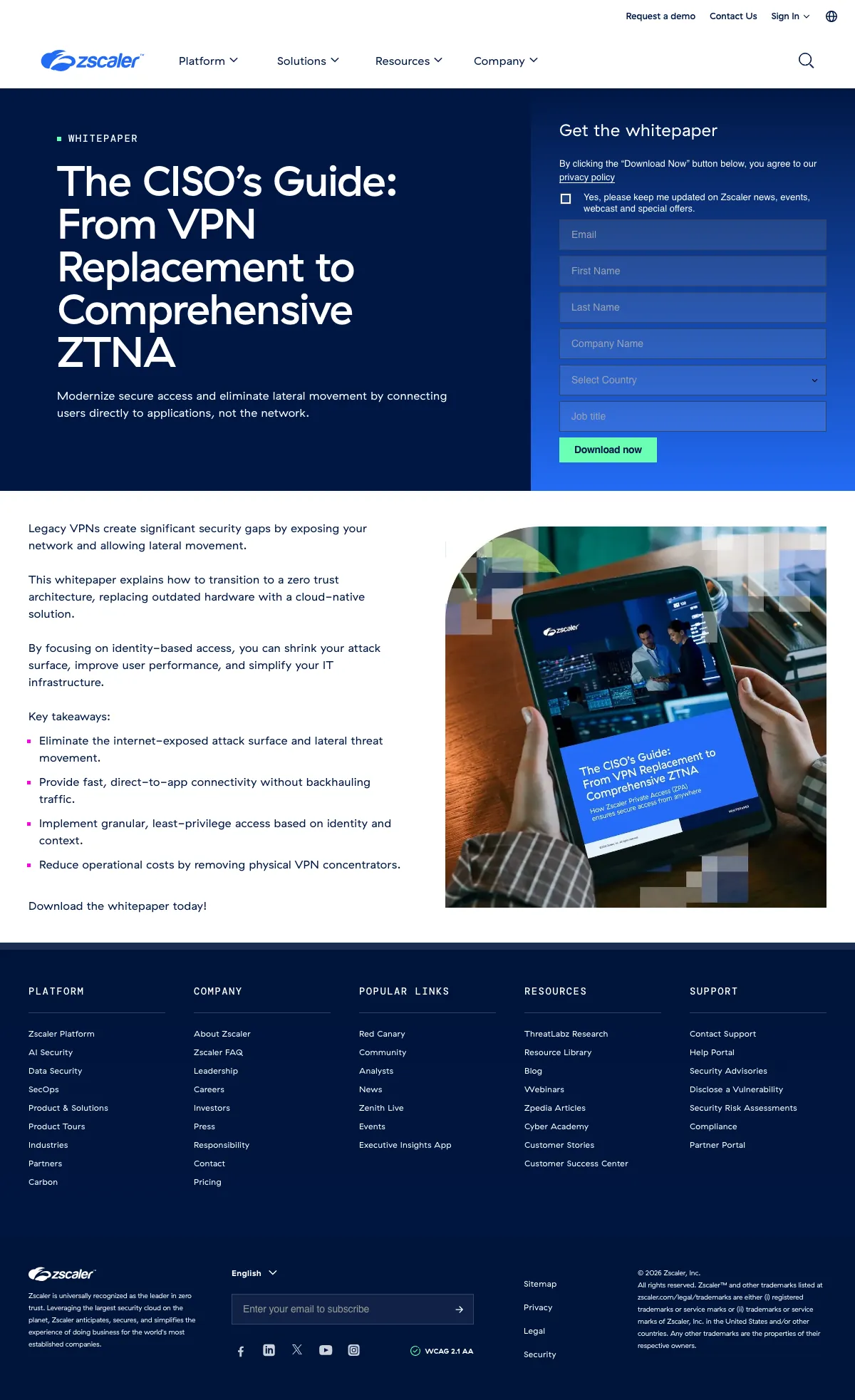
Cybersecurity Software landing page example from zscaler.com

The search: what is ztna

Sponsored zscaler.com

ZTNA vs VPN: CISO Guide | Secure Access Without VPNs

  1. 1

    What gets in the way

    Full menu above the form

    Platform, Solutions, Resources and Company links run across the top. A visitor can leave before they reach the form.

  2. 2

    What works

    Form beside the headline

    Six boxes and a ‘Download now’ button are next to the title. A visitor reads the offer and fills in the form on one screen.

  3. 3

    What works

    Title written for one job

    The guide is titled for the CISO and runs from VPN replacement to ZTNA. A CISO reads it as written for them.

  4. 4

    What gets in the way

    Text assumes the reader knows the term

    The search was what is ztna. The text is about moving off a VPN, so a visitor who is still learning gets less help.

  5. 5

    What works

    Four key takeaways in short bullets

    ‘Key takeaways:’ lists four results, such as removing the exposed attack surface and cutting operating costs. A visitor sees what the guide covers.

What to try

Title the guide for the reader's job

Zscaler titles its guide for the CISO. Put your reader's job in the title of your offer.

See the original page

What the 8 winners do.

  1. Form or button in the first screen

    6 of 8
  2. Offer a report, a guide or a trial

    4 of 8
  3. Show customer logos

    3 of 8
  4. Show a review score

    3 of 8

Wildcards.

Pages that break the playbook in interesting ways.

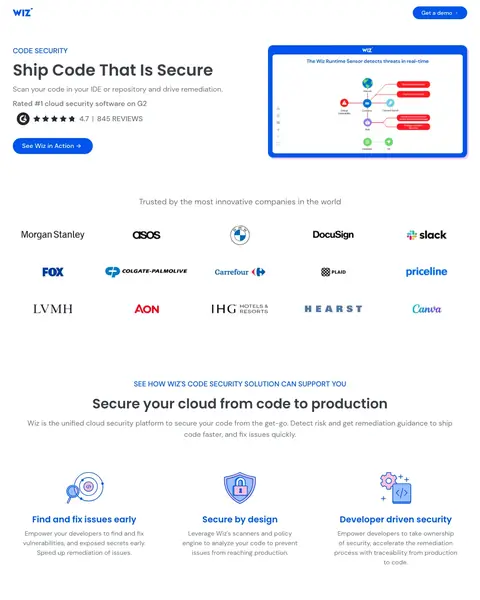
Wildcard #1: wiz.io

wiz.io/lp/nb-codesecurity-b

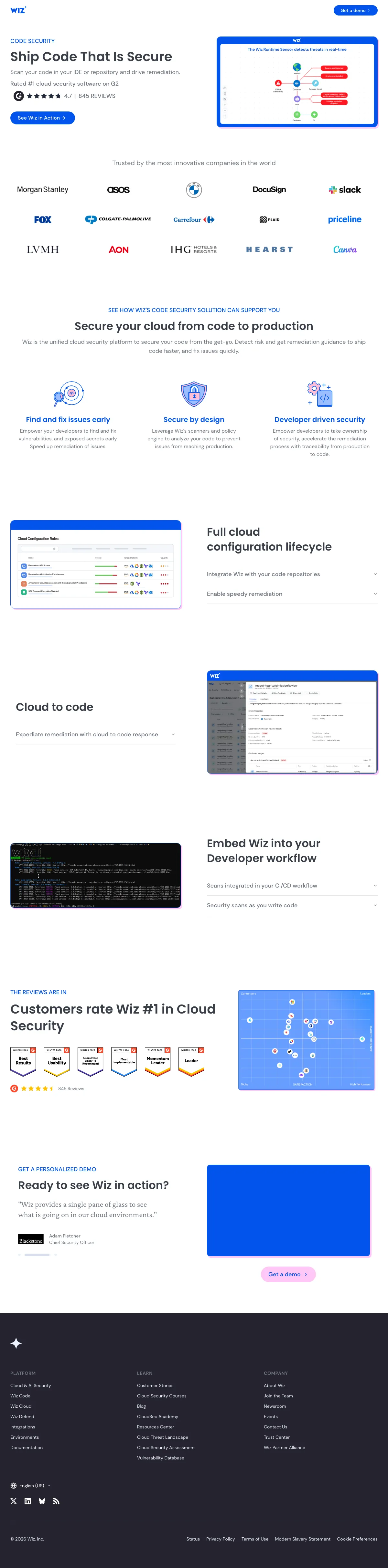
Cybersecurity Software landing page example from wiz.io

The search: devops security

Sponsored wiz.io

Code Security Made Easy - Wiz

  1. 1

    What it gets wrong

    Runtime message beside a code headline

    A line about the Wiz Runtime Sensor is next to a code security headline. A visitor who came to scan code sees another product.

  2. 2

    What makes it work

    Headline in developer words

    ‘Ship Code That Is Secure’ uses words a developer says. The search was devops security, so the visitor is likely an engineer.

  3. 3

    What makes it work

    Review count under the headline

    845 reviews are shown under the headline. A buyer sees what other users think before the first button.

  4. 4

    What makes it work

    Grid of customer logos

    Morgan Stanley, Slack and Colgate-Palmolive are among the brands shown. A buyer sees who else trusts it.

  5. 5

    What makes it work

    Three short columns on developer work

    ‘Find and fix issues early’, ‘Secure by design’ and ‘Developer driven security’ each get a short paragraph. A buyer sees where it fits their day.

What to try

Write the headline in the reader's words

Wiz says ‘Ship Code That Is Secure’ to developers. Use the words your reader uses at work.

See the original page

Wildcard #2: go.crowdstrike.com

go.crowdstrike.com/2025-threat-hunting-report.html

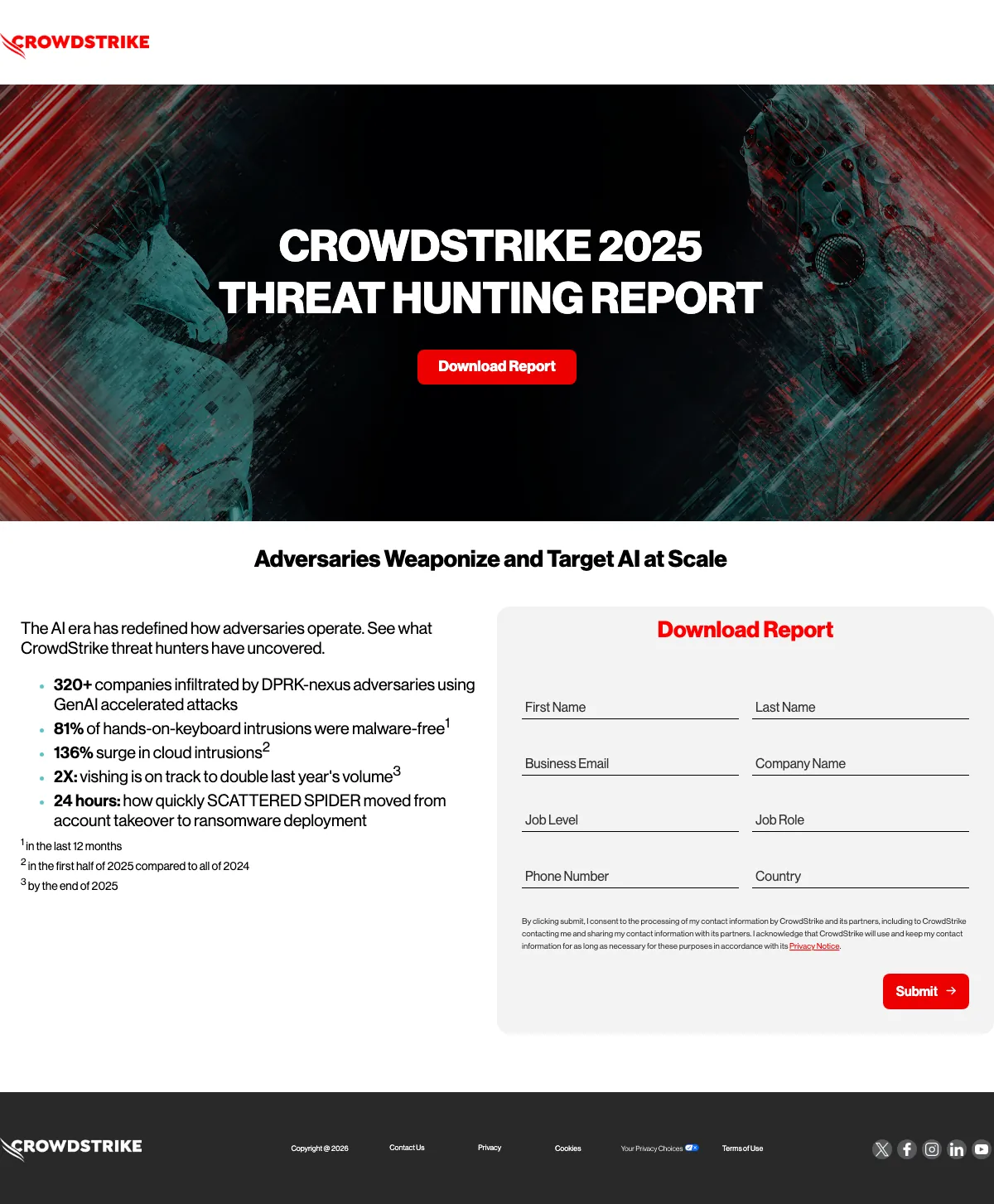
Cybersecurity Software landing page example from go.crowdstrike.com

The search: security cyber threats

Sponsored go.crowdstrike.com

Cyber Threats In The AI Age | Outpace AI Adversaries

  1. 1

    What makes it work

    Report name and year in the first screen

    ‘THREAT HUNTING REPORT’ with the year 2025 is the first thing a visitor reads. They know they found the right report.

  2. 2

    What makes it work

    Heading repeats the ad

    The ad reads adversaries weaponize and target AI at scale. The heading begins ‘Adversaries Weaponize and Target’, so the click matches the page.

  3. 3

    What makes it work

    Five findings as bullets

    ‘81% of hands-on-keyboard intrusions were malware-free’ is one of five findings. Each is a reason for a security leader to download.

  4. 4

    What it gets wrong

    Eight fields to get a report

    Job level and job role are two separate boxes, and the form has eight fields. A visitor who just wants the report finds it long.

What to try

Put findings with figures by the form

The page lists five findings, such as ‘136% surge in cloud intrusions’. Put findings with figures next to your form.

See the original page

Wildcard #3: start.paloaltonetworks.com

start.paloaltonetworks.com/451-research-migrating-legacy-SIEM

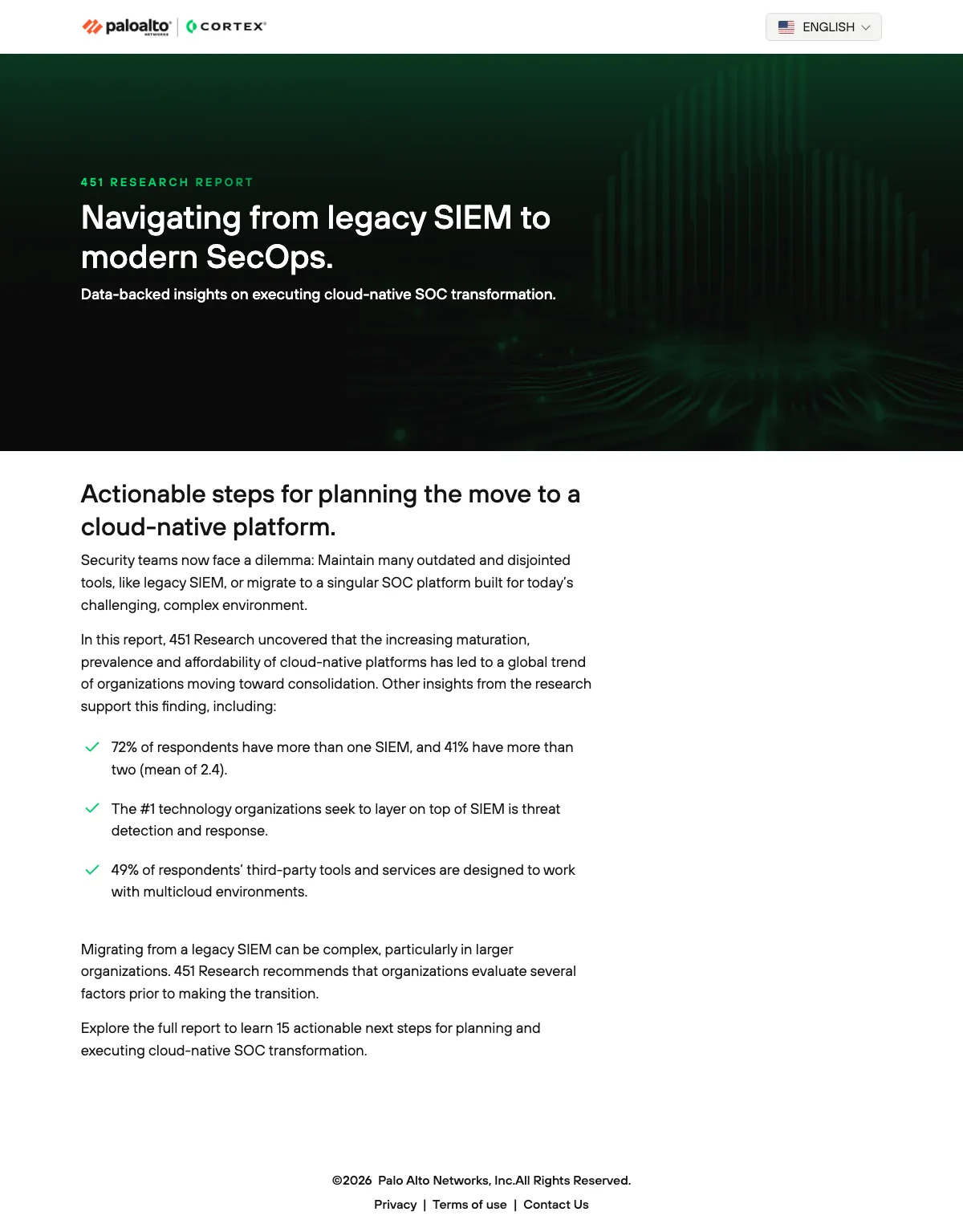
Cybersecurity Software landing page example from start.paloaltonetworks.com

The search: cortex palo alto networks

Sponsored start.paloaltonetworks.com

Palo Alto Networks Cortex

  1. 1

    What makes it work

    Product name in the top bar

    The search was cortex palo alto networks. The Cortex logo is in the top bar, so the visitor sees the name they typed.

  2. 2

    What makes it work

    Analyst report named in the headline

    The top of the page reads ‘451 RESEARCH REPORT’. The ad reads the same, so the visitor finds the report they clicked for.

  3. 3

    What it gets wrong

    Three paragraphs before the findings

    Three paragraphs about the SIEM problem come before the list of findings. A visitor who wants the report scrolls first.

  4. 4

    What makes it work

    A finding from the report

    ‘72% of respondents have more than one SIEM’ is a figure from the report. The visitor sees there is real data behind the form.

  5. 5

    What makes it work

    Number of steps in the report

    ‘15 actionable next steps’ shows what the report has for the reader. A buyer can picture a plan.

What to try

Name the source above the headline

The page puts ‘451 RESEARCH REPORT’ above the title. Name the outside source of your offer above your headline.

See the original page

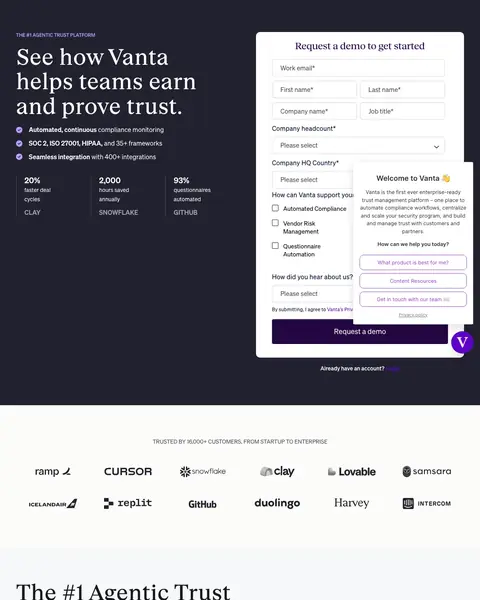
Wildcard #4: vanta.com

vanta.com/lp/demo

Cybersecurity Software landing page example from vanta.com

The search: cynomi

Sponsored vanta.com

Compliance that Scales - Automate Your GRC

  1. 1

    What it gets wrong

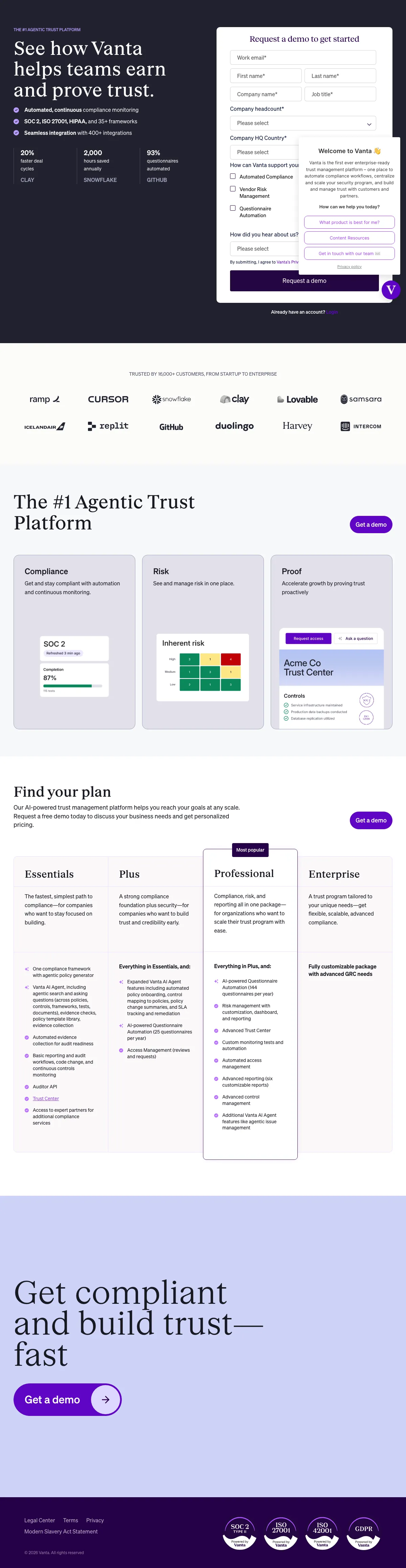
    Headline misses the words in the ad

    The ad reads automate your GRC. The headline reads ‘helps teams earn’ ‘and prove trust.’, and the first screen has no GRC.

  2. 2

    What makes it work

    Frameworks and integrations in two bullets

    ‘SOC 2, ISO 27001, HIPAA, and 35+ frameworks’ is one bullet. A compliance buyer checks their own framework fast.

  3. 3

    What makes it work

    Three figures with customer logos

    Each of the figures 20%, 2,000 and 93% comes with a customer logo: Clay, Snowflake and GitHub. Results from named customers are easier to trust.

  4. 4

    What makes it work

    Boxes for what the buyer needs

    The form asks ‘How can Vanta support your’ business with boxes to tick. One click shows sales what to talk about.

  5. 5

    What it gets wrong

    Four plans, none with a price

    Essentials, Plus, Professional and Enterprise are described at length and none shows a price. A buyer who is comparing has to book a demo to find out.

What to try

Boxes for what the buyer needs

Vanta's form has boxes under ‘How can Vanta support your’ business. Add one question with boxes so sales knows what to cover.

See the original page

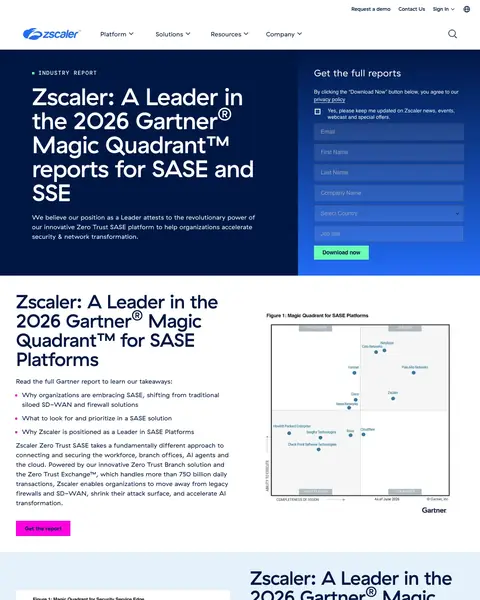
Wildcard #5: zscaler.com

zscaler.com/gartner-magic-quadrant-security-service-edge-sse

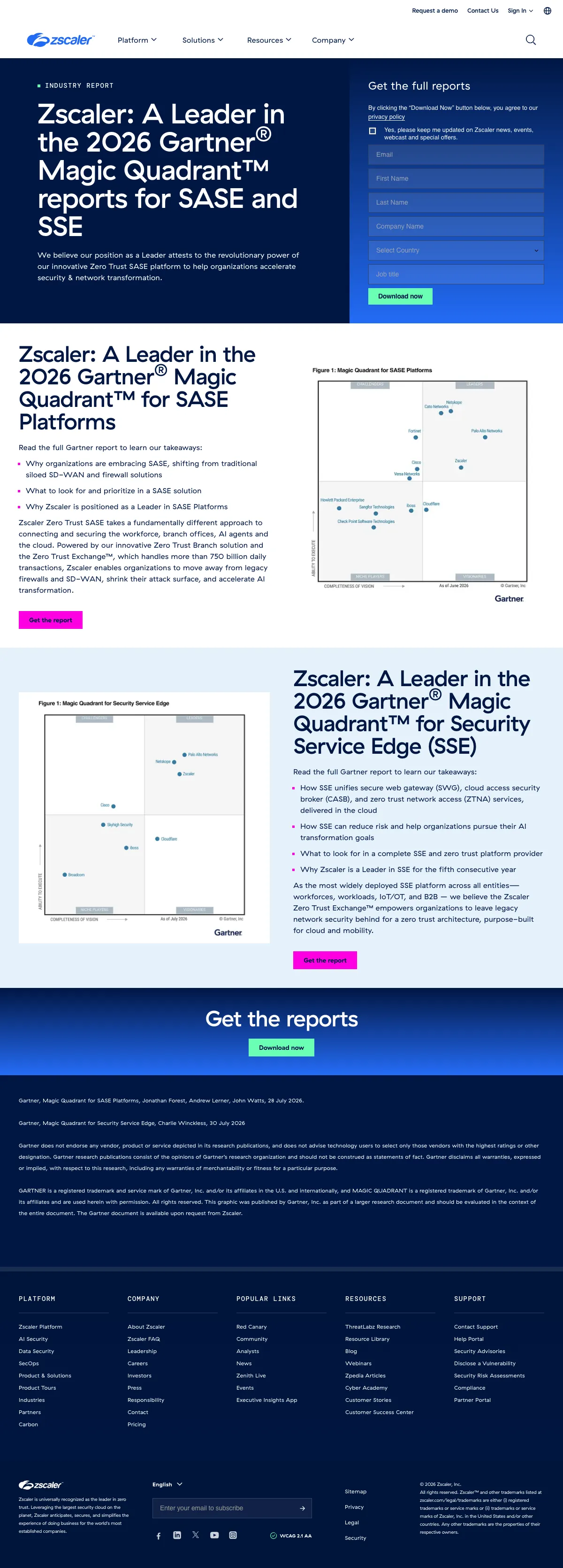
Cybersecurity Software landing page example from zscaler.com

The search: gartner secure web gateways

Sponsored zscaler.com

Gartner Magic Quadrant for SSE

  1. 1

    What it gets wrong

    Full menu above the report

    Platform, Solutions, Resources and Company menus run across the top, with ‘Request a demo’ and a sign-in link. A visitor can leave before the form.

  2. 2

    What makes it work

    Form beside the report headline

    ‘Get the full reports’ has its fields and a privacy line next to the headline. A visitor sees the offer and the form on one screen.

  3. 3

    What makes it work

    Gartner report is the headline

    The ad is about the Gartner Magic Quadrant. The headline starts ‘Zscaler: A Leader in’, so the click matches the page.

  4. 4

    What makes it work

    Bullets on what the report covers

    The bullets list what the reader learns about SSE and zero trust. The visitor sees what is in the report.

  5. 5

    What it gets wrong

    Ad says fourth year, page says fifth

    The ad is about a fourth year as a Leader in 2025. The page reads ‘fifth consecutive year’ and 2026. A visitor sees two different claims.

What to try

Check the ad claim against the page

The Zscaler ad reads 2025 and the fourth year. The page reads 2026 and the fifth year. Make the year and the count match.

See the original page

The copy bank.

Headlines

Offers

Proof

  • “Trusted by the most innovative companies in the world”

    wiz.io

  • “THE REVIEWS ARE IN”

    wiz.io

  • “We scale with you for every stage of growth”

    vanta.com

Next steps

4 pages that waste the click.

  1. active directory monitor

    First screen promotes an event

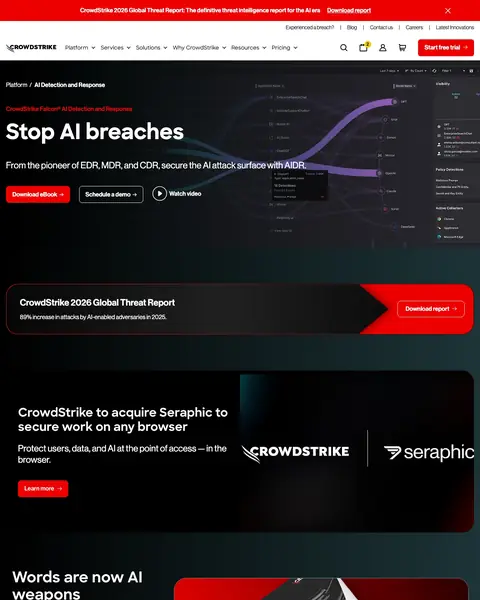
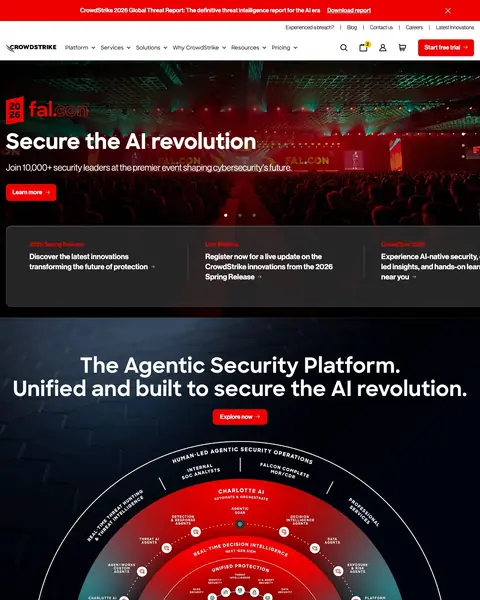
    A visitor who searched active directory monitor sees an invite to a security event. The first screen has no word about active directory.

    • Wrong topicThe headline is about a conference, and the search was about active directory.
    • Menu mazeSix menus and a ‘Start free trial’ link run across the top.
    • Banner on topA banner above the menu promotes a threat report download.
  2. siem manager

    Demo, video and report all ask for a click

    A visitor who searched siem manager sees ‘Schedule a demo’, a video link and a threat report download in the first two screens. There are three paths.

    • Three pathsA demo button, a video link and a report download all ask for a click.
    • Report cardA threat report download card comes before any product section.
    • Menu mazeSix menus run across the top before the headline.
  3. identity access management solutions

    Headline uses a new term

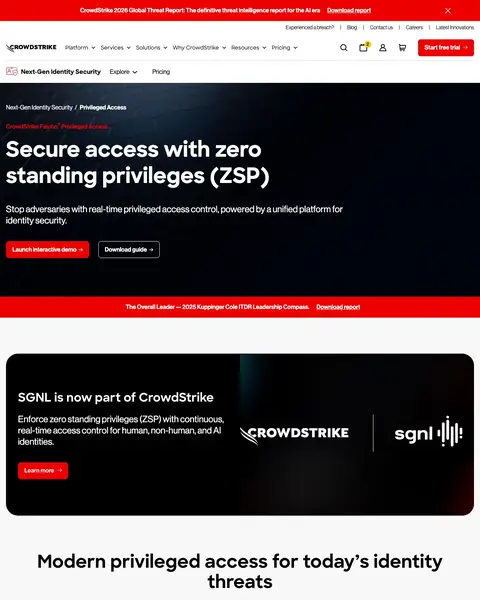
    A visitor who searched identity access management solutions sees ‘standing privileges (ZSP)’ in the headline. They learn a new term before they see a way to talk to sales.

    • JargonThe headline uses a term the search did not.
    • No formThe first screen has a demo tour and a guide link, and no way to talk to sales.
    • Acquisition noticeA notice about an acquired company comes before the product explanation.
  4. anomaly detection system

    Four acronyms in the first line

    A visitor who searched anomaly detection system reads ‘EDR, MDR, and CDR’ and AIDR in the first line. None is spelled out.

    • AcronymsThe subhead uses four acronyms and spells out none.
    • Report cardA threat report card comes between the hero and the product sections.
    • Menu mazeSix menus and a ‘Start free trial’ link run across the top.

What we learned.

  1. Use the ad's words in the headline

    Vanta's headline says ‘Your trusted SOC 2’, the words in its ad. Zscaler writes for one persona, the CISO, and titles its guide for that job.

  2. Put proof from others near the offer

    Drata shows a 4.9 rating from 900+ reviews under the headline, and Wiz adds a review band after its first screen. Buyers evaluate vendors side by side, such as Wiz and Checkmarx, and a G2 score is the proof they check first. A competitive page shows that score early.

  3. Say the category and the buyer

    Zscaler says ZTNA and the CISO, and Vanta says SOC 2. Buyers now type a long prompt into an AI tool, and those prompts use the same plain words, such as endpoint protection platforms or privileged access management (PAM).

The bottom line

The cybersecurity pages here that win put a form or a button in the first screen, show reviews or analyst proof and offer a report or a trial. The losers send paid clicks to product pages with full menus and a threat report banner.

Postclick is live

What a new visitor sees on your page

Paste the URL your own ads point at. Postclick reads it the way we read these 29 pages, shows what is costing you demos and trials and draws new versions to look at. Your first audit and two design directions are free.

Audit my cybersecurity landing page

No card required.

Visit the live page