How each agent will work

How it works step illustration
01
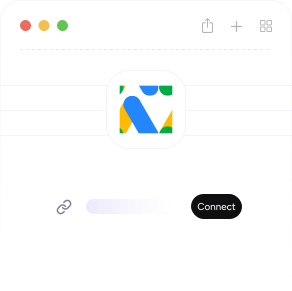
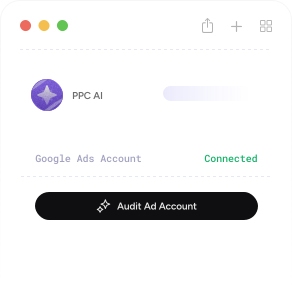
Connect Google Ads with read-only access

Choose one account or an MCC through the official Google Ads API.

How it works step illustration
02
Choose the agent and its scope

Select the task, accounts and date range you want it to review.

How it works step illustration
03
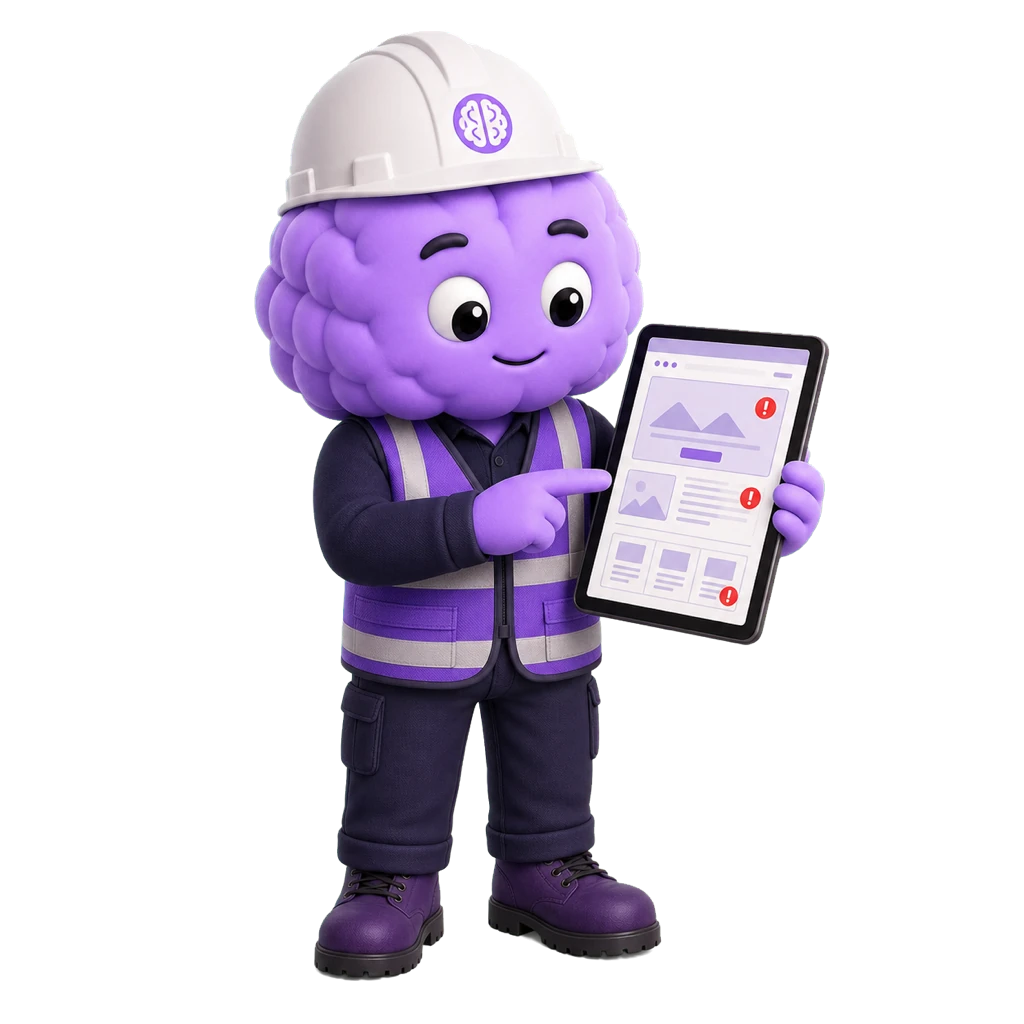
Review the evidence and recommendation

See what the agent found and decide what, if anything, should change.

Explore the other agents
Creative
Ads
AGENT NAME
Ad Copy Analyst

Compares ad copy with performance data and prepares clear ideas for the next test.

View agent
Intelligence
Strategy
AGENT NAME
Competitive Intelligence Agent

Compares competitor ads, pages and keywords, then identifies useful gaps to test.

View agent
Keywords
Expansion
AGENT NAME
Keyword Research Agent

Finds relevant keyword gaps and prioritises them by intent and likely conversion value.

View agent
Conversion
UX
AGENT NAME
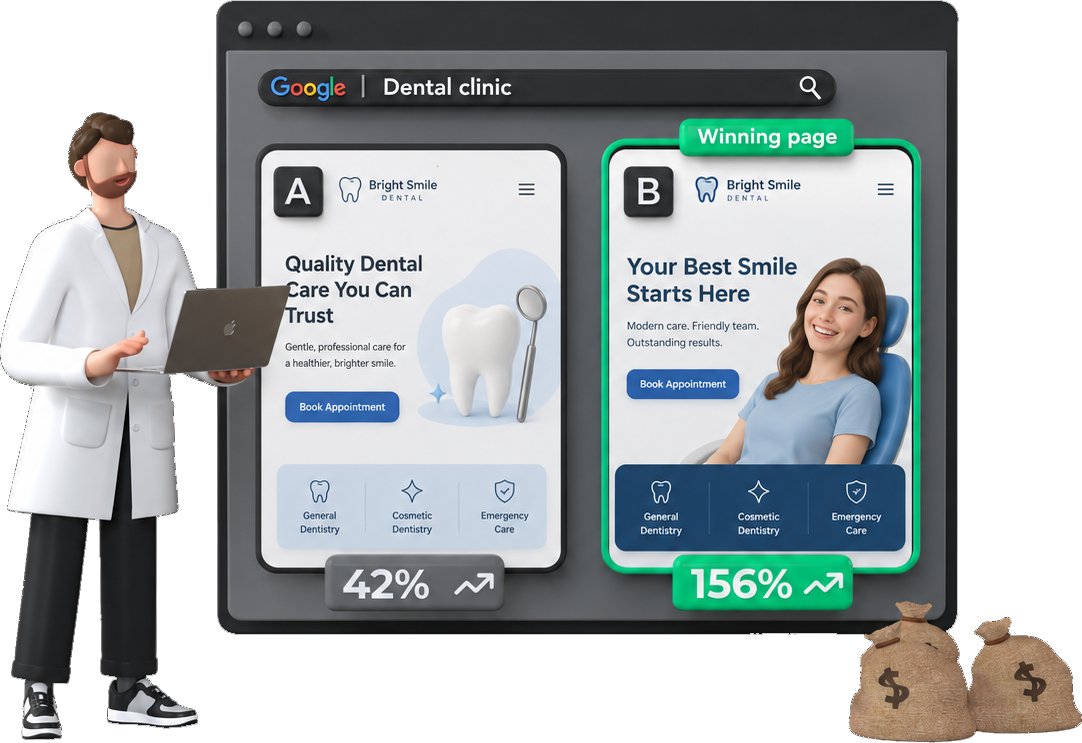
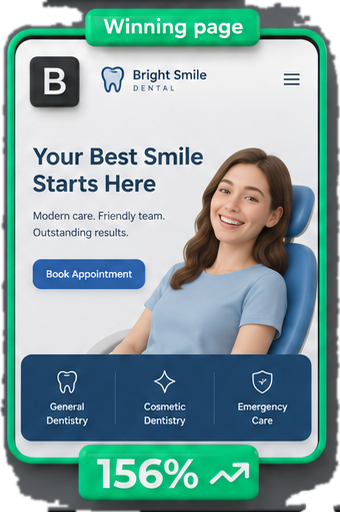
Landing Page Analyzer

Checks message match, trust, mobile usability and the path from ad click to conversion.

View agent
Optimization
Keywords
AGENT NAME
Negative Keyword Finder

Reviews search terms and prepares a prioritised negative keyword list for your team.

View agent
Shopping
E-commerce
AGENT NAME
Shopping Auditor

Reviews product feed quality and Shopping performance at product level.

View agent
Audit
Account
AGENT NAME
Wasted Spend Agent

Finds where budget is being wasted and ranks the fixes by likely financial impact.

View agent
Monitoring
Weekly
AGENT NAME
Weekly Audit Agent

Compares weekly performance with recent baselines and prioritises the changes worth reviewing.

View agent
PPC.io Agents Coming soon

Join the PPC.io Agents waitlist.

Get product updates, confirmed pricing and the first invitations when early access opens.