 Our AI Tools







Agency owner
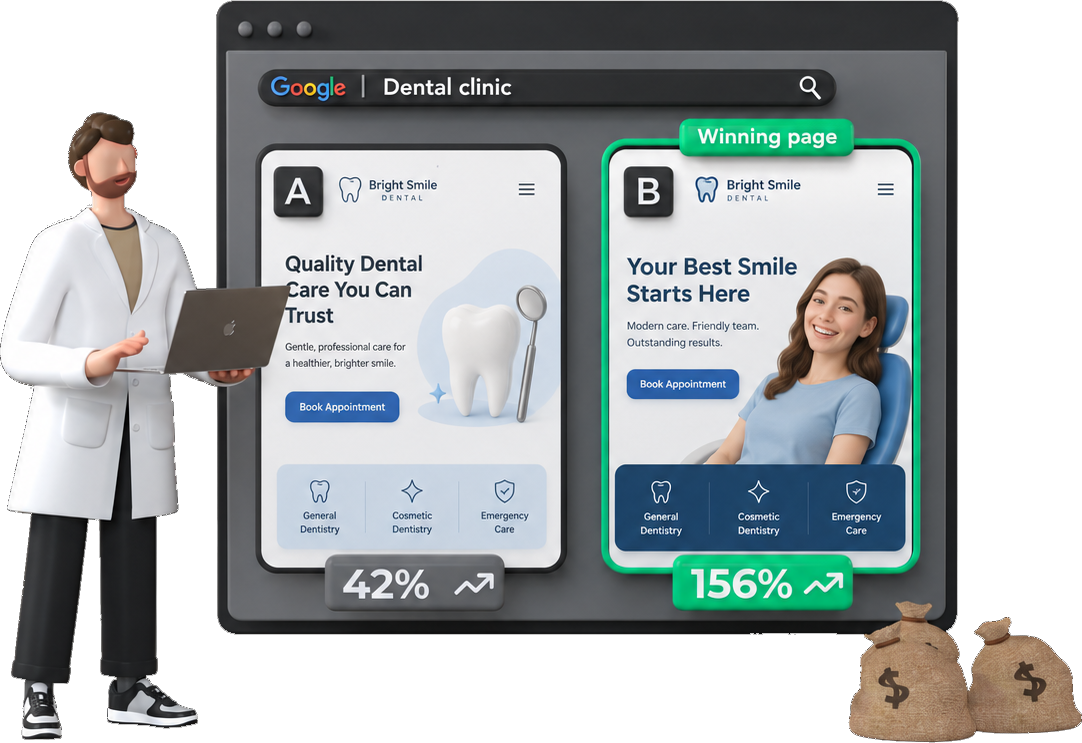
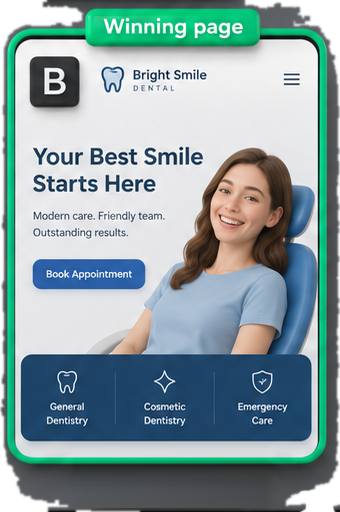
You run the ads, but the client owns the page. Ask for a designer brief and send it to the client the same day.
Landing page CRO MCP for Cursor
You already build the page in Cursor. Ask Postclick what to fix, then ask Cursor to make the change in your code.
Works today as an MCP server


Set up
Click Add to Cursor and choose Install.
In Cursor Settings, open MCP and sign in to Postclick.
Ask the Agent what to fix on your landing page.

No button? Add this to ~/.cursor/mcp.json: {"mcpServers":{"postclick":{"url":"https://mcp.ppc.io"}}}
You sign in on postclick.ppc.io, so Cursor never sees your password. Server: https://mcp.ppc.io

Real answers
You ask"Show me the designs"
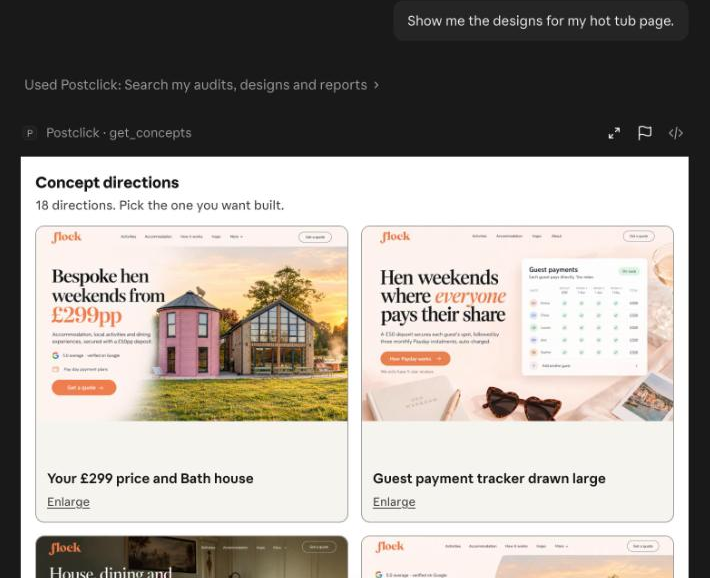
Recorded in claude.ai on 12 Nov 2026. Cursor uses the same Postclick tools.
Server details
https://mcp.ppc.iopages:read, pages:spendWhat to ask
Then ask Cursor to swap the headline in your page file and run the site.
Who it's for
You run the ads, but the client owns the page. Ask for a designer brief and send it to the client the same day.

You own the page and the budget, and there's no CRO person to ask. Get the one change to make first, with the words.

Your ad numbers look bad when the page is weak. Audit the page before the first call and show the client what to fix.
Price
$0
No card. Run it within 30 days of signing up.
Asks first
Reading your saved audits is free. A new audit or a page build waits for your yes.
Reference
Settings, then Connectors, then Add custom connector. Paste the URL and connect.
https://mcp.ppc.ioRun this, then type /mcp and sign in.
claude mcp add --transport http postclick https://mcp.ppc.ioPlugins, then Add, then Add custom MCP server. Paste the URL, choose OAuth and connect.
https://mcp.ppc.ioAdd to ~/.cursor/mcp.json
{ "mcpServers": { "postclick": { "url": "https://mcp.ppc.io" } } }Make an API key on postclick.ppc.io/connections. On grok.com/connectors, add a custom connector with this URL and the header Authorization: Bearer <your key>.
https://mcp.ppc.ioAdd to ~/.codeium/windsurf/mcp_config.json
{ "mcpServers": { "postclick": { "serverUrl": "https://mcp.ppc.io" } } }Add to .vscode/mcp.json
{ "servers": { "postclick": { "type": "http", "url": "https://mcp.ppc.io" } } }Add to cline_mcp_settings.json
{ "mcpServers": { "postclick": { "type": "streamableHttp", "url": "https://mcp.ppc.io" } } }Run this, then sign in on the page that opens.
codex mcp add postclick --url https://mcp.ppc.ioEvery app opens the same Postclick sign-in page the first time it connects.
list_cro_skillsFind a landing page skillFreerun_cro_skillImprove my landing pageFreecheck_balanceCheck my plan and page usageFreeaudit_pageAudit a landing pageUses your plan, asks firstget_auditCheck how an audit is goingFreeget_audit_reportRead the full audit reportFreeget_competitorsWho is bidding against this pageFreeask_auditAsk a question about an auditFreegenerate_conceptsDesign new versions of a pageUses your plan, asks firstget_conceptsShow the page designsFreebuild_pageBuild a design into a real pageUses your plan, asks firstget_buildCheck how a page build is goingFreeshare_pageCreate a public link to shareFreeexport_pageDownload a built page as filesFreedescribeSee everything in my Postclick accountFreesearchSearch my audits, designs and reportsFreefetchOpen one audit, design or reportFreeget_assetGet a design or screenshot imageFreepublish_pagePublish a report to a shareable linkFreesave_noteSave a note on an audit or designFreeget_notesRead my saved notesFreeFAQ
Yes. Ask the Agent to make the change in your page file. Cursor shows you the edit and you accept it.
It's a hosted MCP server that gives Cursor 21 landing page tools. You can read your Postclick audits, rewrite your page copy, check your ad against the page, see competitor ads and build a new page, all from the chat.
https://mcp.ppc.io. It's a remote server over Streamable HTTP with OAuth sign-in, so there's nothing to install.
No. You sign in to Postclick in your browser the first time Cursor connects. Cursor gets a token and never sees your password. Grok is the one exception: it uses an API key.
Claude on the web, on desktop and in Claude Code, plus ChatGPT, Cursor, Grok, Windsurf, VS Code, Cline and Codex. Any app that can add a remote MCP server with OAuth sign-in or an API key header can use it.
If your page is code in your own project, use Cursor or Claude Code, so the AI can make the change in your files. If you edit your page in a builder like WordPress or Webflow, use Claude or ChatGPT and paste the new words in yourself. If you already use Grok, add Postclick there with an API key.
As of November 2026, your first audit is free and needs no card. Starter is $70 a month for 10 audits and 2 new landing pages. Pro is $200 a month for 20 audits and 6 new pages.
No. Only 3 tools use your plan: a new audit, page designs and a page build. Before any of them, Cursor checks what your plan covers, tells you and waits for your yes. If you asked for that audit or build in your message, that counts as your yes. Reading audits you already have is free.
No. You get the words to change, a brief for your designer, or a new page as one HTML file you own. In Cursor or Claude Code you can then ask the editor to make the change in your files, and you approve it there.
What to fix on the page, ranked, the doubts your buyers have, how well your ad matches the page, and the competitors bidding on the same searches.
Yes. A draft stays private until you ask for a share link or publish it.
One full audit of one page. Run it within 30 days of signing up.
Postclick is live
Add Postclick in 3 steps. Your first audit is free and needs no card.
Not ready to paste a URL? See a finished audit first.
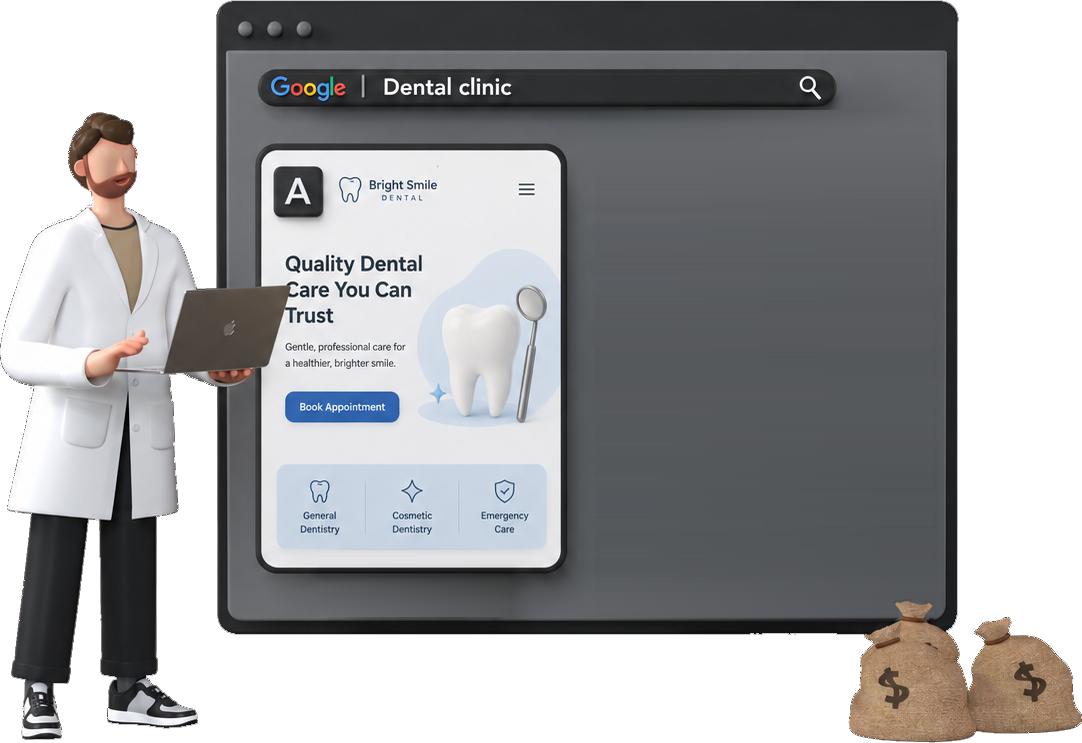
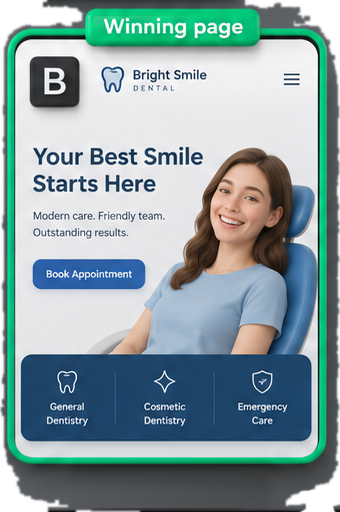 1 Reads your page and ads 2 Builds a better page live 3 Test it and put it live