 Our AI Tools
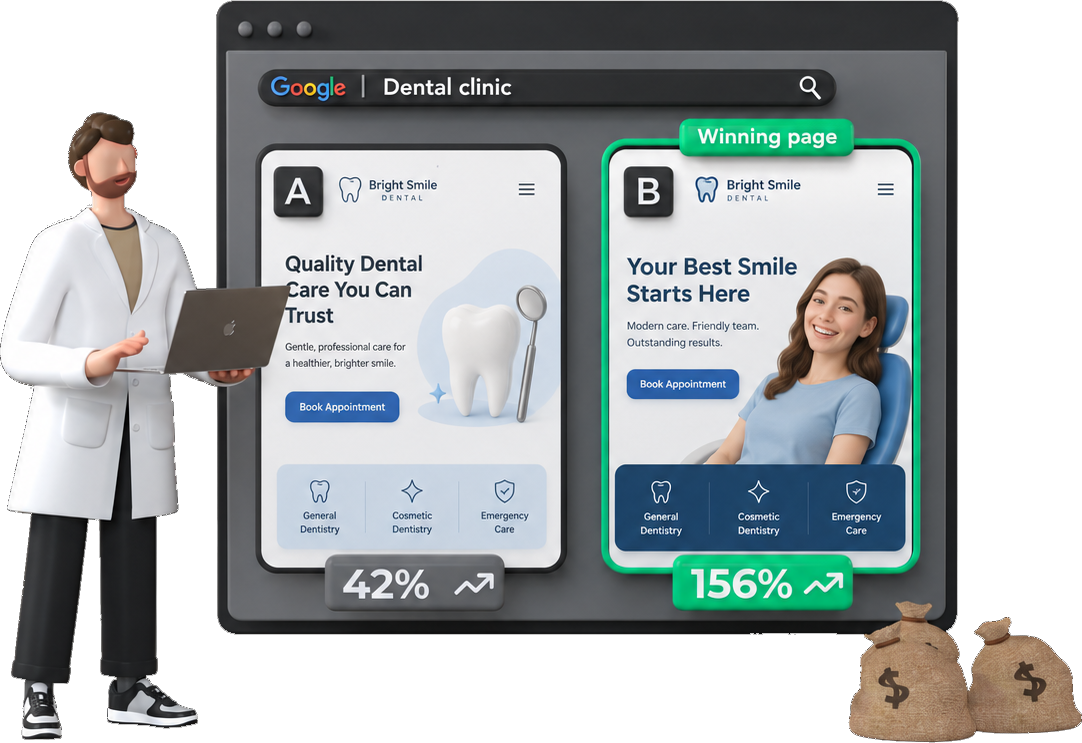


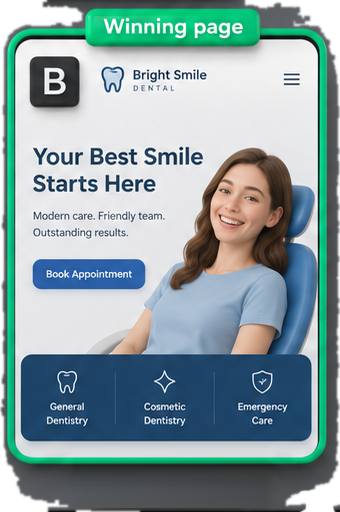




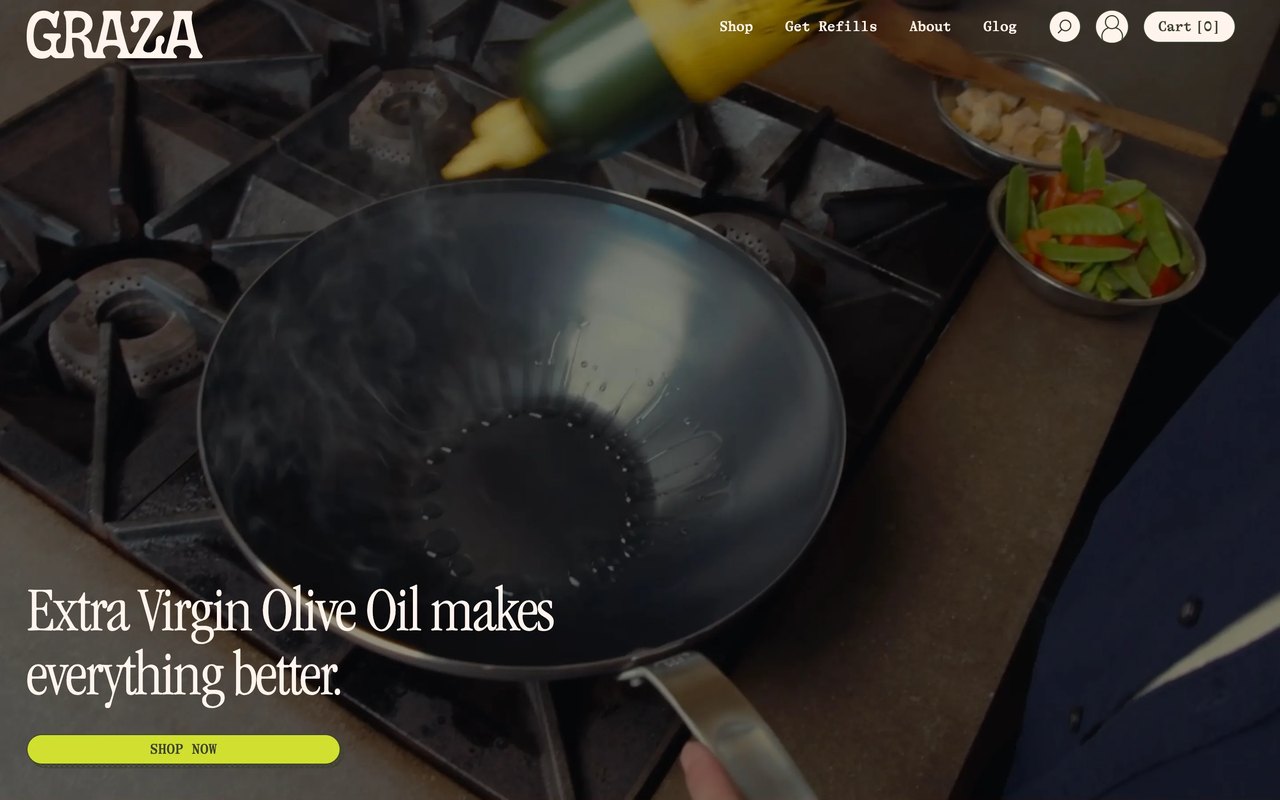
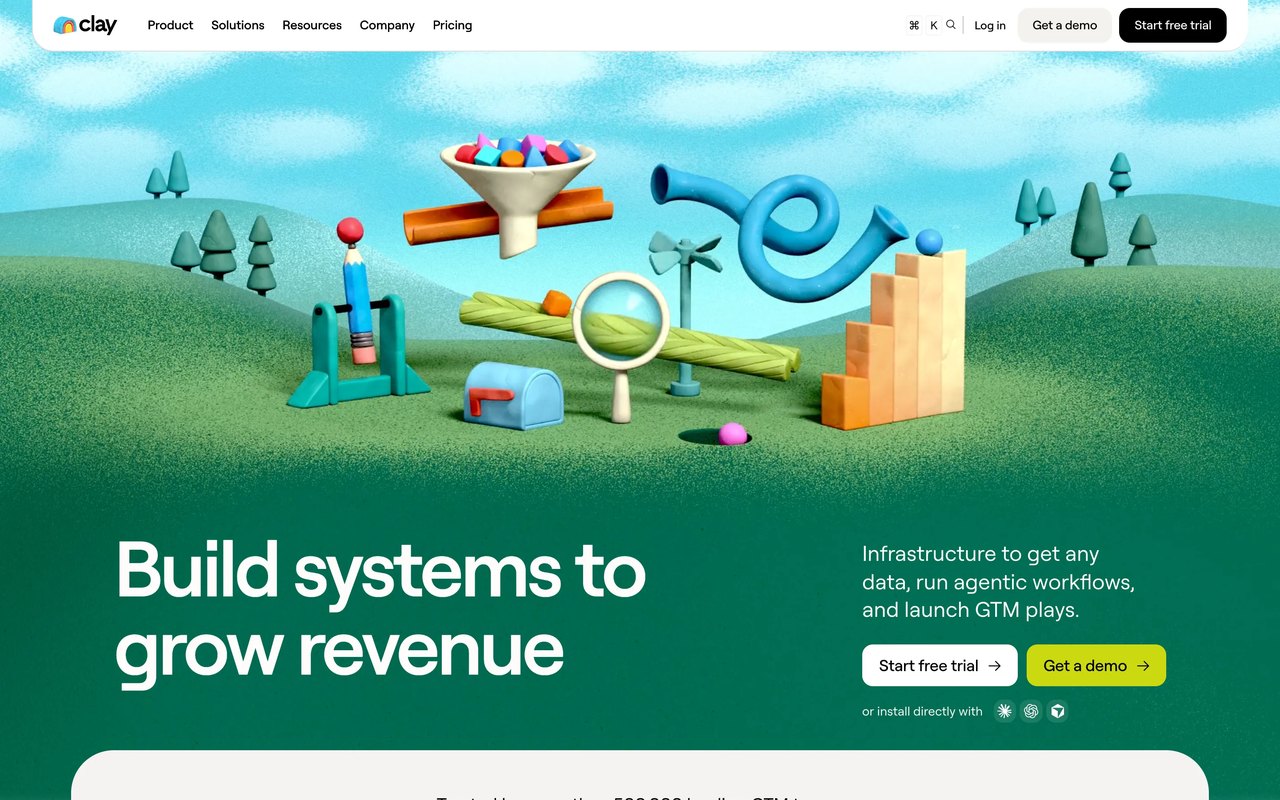
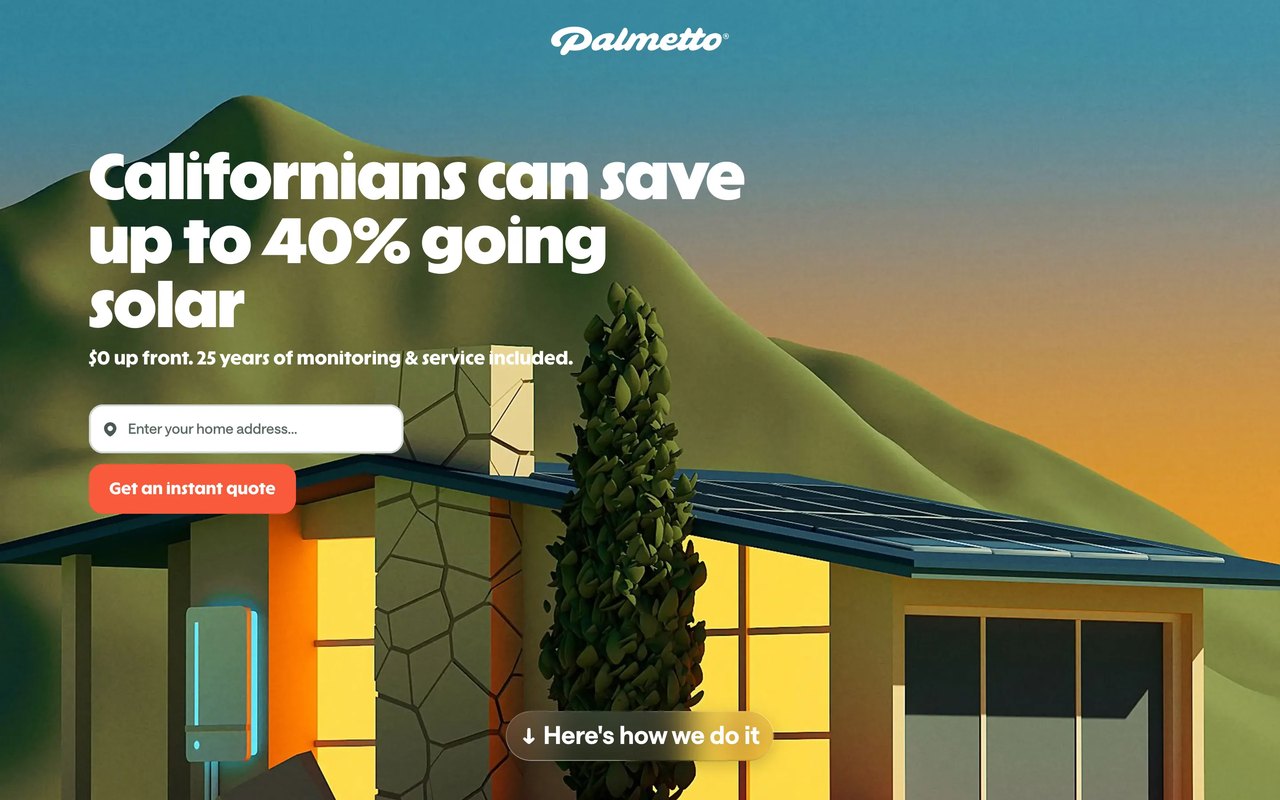
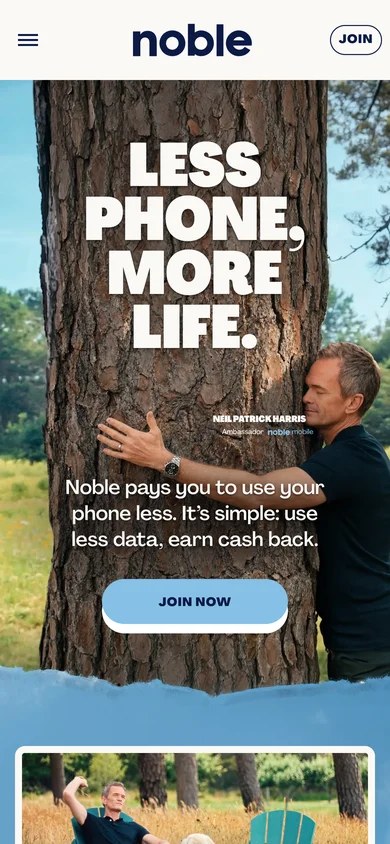
81% of the winning landing pages on Google Ads show a price. We screened 2,201 pages running on Google Ads for our landing page examples and picked 382 winners, and the price was the pattern they shared most.
Ask Claude for a landing page with no brief and you usually get a purple gradient, three icon cards and a headline about unlocking your potential. So I turned what the winners do into a free Claude skill for landing page design. Below is the skill, a shorter prompt, and 2 pages I built with it. In my AI landing page builder test, 3 of 4 Claude Code pages had a form that sent the lead nowhere, and the skill is the fix I wish I’d had then.

What the Claude landing page skill does
The skill is one SKILL.md file, 122 lines long. Claude reads it every time you ask for a landing page, so you don’t have to repeat your rules. A skill is a folder of instructions Claude loads when the task needs it (Anthropic’s docs explain the format).
| Step | What Claude does |
|---|---|
| 1. Brief | Asks for the ad, the offer and price, the buyer’s worries and your real proof before it builds |
| 2. Patterns | Uses what the 382 winning pages have in common |
| 3. Sections | Puts the sections in the order a buyer needs them, with one action repeated |
| 4. Copy | Writes headings the way a buyer talks, with prices and numbers |
| 5. Design | Avoids the defaults that make a page look AI-made |
| 6. Build | Writes one HTML file that works from a 320px phone to a big screen |
| 7. Score | Scores the page out of 100 on the 7 checks Postclick uses, and fixes the weak ones |
| 8. Hand over | Lists every gap you must fill before the page goes live |
The rule I care about most is in step 1. Claude never invents a review, a rating or a photo. If you don’t give it one, it leaves a marked gap, so a made-up review can’t reach a live page by accident.
What 382 winning landing pages do
For each of the 54 industries in our swipe files, we screened the pages that show for real Google Ads searches, picked the winners and noted what each one does. These are the patterns that show up most often in the winners, and they’re the rules the skill follows.
| Pattern | Winners that do it |
|---|---|
| Show the price, a price range or the value | 81% |
| Use real photos or visuals of the result | 76% |
| Put proof (rating, reviews, badges) in the first screen | 75% |
| Repeat the search in the headline | 66% |
| Give a reason to buy today | 63% |
| Compare options in a table or plans | 59% |
| Use one clear, high-contrast button | 58% |
Industries add their own rules on top. On our roofing landing page examples, 7 of the 8 winners put a free offer in the first screen and 6 show the phone number there. The skill asks for your industry’s version of each rule in the brief.
2 landing pages I built with the skill
I gave Claude Code the skill and a one-paragraph brief for 2 made-up businesses: a roofing company in Austin and a dental implant clinic in Denver. The businesses, prices and reviews are invented for the test. Neither page has run ads.

Both pages follow the same section order: the search in the headline, the price, proof, how it works, the price again, questions and the booking form. Each one is a single HTML file. The roofing page is 9.4 KB and the dental page is 8.3 KB, so they load fast on a phone.
The two pages don’t look alike. The skill picks type by trade, so the roofer got a heavy grotesk (Archivo) and safety orange. The clinic got a warm serif (Fraunces) and teal. There’s one accent colour on each page, and it’s only on the buttons.
The striped boxes are where the photos go. I didn’t give Claude any photos, so it wrote what to shoot instead of using stock or an AI face. That looks plain in a screenshot, but a real crew photo beats a generated one, and the gap tells you what to shoot.

The dental page has a comparison table because the brief said buyers weigh an implant against a bridge or a denture. 59% of the winners compare options like this, and the skill adds a table when the brief gives it something to compare.

On a 390px phone the headline, the price, the button and the proof all fit in the first screen. The skill designs for the phone first and checks the laptop after.
Get the Claude landing page skill
The full skill is on its own page: Landing Page Design skill. It’s also in our Claude skills GitHub repo with the other free Google Ads skills.
- Claude Code. Save the file as
~/.claude/skills/landing-page-design/SKILL.md. Claude Code finds it on its own (how skills load in Claude Code). Then ask: “Build a landing page for this ad” and paste the ad. - The Claude app. Zip the folder and upload it in Customize > Skills (Claude’s help page has the steps).
- ChatGPT or Gemini. Paste the whole skill in as your first message, then give it your brief.
To put the page online, I wrote a separate guide on hosting landing pages with Claude Code.
A Claude landing page prompt
If you want one prompt in place of the skill, this is the short version. It keeps the rules that matter most.
Claude landing page prompt. Fill in the brackets
Design and build a landing page for this ad, as one HTML file with inline CSS.

Ad or search term: [paste the exact words]
Offer and price: [what they get, the price or range, the one action]
Buyer: [who they are and the 3 worries that stop them]
Real proof: [reviews with names, rating and count, years, licences]
Brand: [colours, fonts, logo, or "choose for me"]

Rules:
- Put the search in the headline, with the outcome or the proof.
- Show the price in the first screen, next to one button.
- Put the rating or reviews in the first screen.
- Order: first screen, proof, how it works in 3 steps, price, FAQs, the same button again.
- One action only. No site navigation.
- Never invent a review, a rating, a price or a photo. Leave a marked gap instead.
- No purple gradients, glass cards, emoji icons or three identical icon cards.
- One accent colour, on the button only. Two Google Fonts that fit the trade.
- Design for a 390px phone first. No sideways scroll from 320px to 1920px.
- Then score the page out of 100: campaign fit 22, offer 20, conversion leaks 18,
  structure 15, trust 13, persuasion 7, design 5. Fix anything weak and show the scores.
Check your page with Postclick
Already have a page behind your ads?
The skill builds a new page. Postclick checks the page you already have on the same 7 scores. It reads your live page, compares it with the winning pages in your industry and shows you what to fix first. For a quick free check, use the landing page analyzer, or run the 6 checks I use on a PPC landing page yourself.
- Can Claude design a landing page?
- Yes. Claude Code can design and build a full landing page as one HTML file, and the Claude app can make one in a chat. Without a brief it tends to produce the same look every time, so give it a skill or a prompt that says what your page has to do.
- Is there a Claude skill for landing pages?
- Yes. The Landing Page Design skill on this page is free. It's built from 2,201 landing pages running on Google Ads and the 382 we picked as winners, and it scores the page on the 7 checks Postclick uses.
- Where do I put a Claude skill?
- In Claude Code, save it as ~/.claude/skills/landing-page-design/SKILL.md. In the Claude app, zip the folder and upload it in Customize > Skills. In ChatGPT or Gemini, paste the text in as your first message.
- How do I stop my Claude landing page looking AI-made?
- Tell Claude what not to use: purple gradients, glass cards, emoji icons and three identical icon cards. Give it one accent colour, two fonts that fit your trade and your own photos. The skill has these rules built in.
- Will Claude make up reviews on my landing page?
- It can if you don't give it real ones. The skill tells Claude never to invent a review, a rating, a price or a photo, and to leave a marked gap you fill before the page goes live.
- Can Claude host my landing page?
- Claude Code can deploy the page for you to a host such as Netlify or Vercel. Our guide to hosting landing pages with Claude Code has the steps.